
A FIRST STEP
Learn coding basics
Explore sequences, events, and simple rules. See how changing instructions changes what happens on screen.
Try a coding classLIVE CLASSES FOR AGES 6–12
Hands-on coding in a group of 10, with an instructor to guide the way. Two one-hour online classes each week for US$20 per month.
 ROOTED IN AFRICA. OPEN TO POSSIBILITY.
Little learners.
A big, bright community.
WHAT YOUR CHILD WILL PRACTISE
Practical coding sessions give children a chance to try ideas, see what happens, and improve their projects with guidance.
Explore sequences, events, and simple rules. See how changing instructions changes what happens on screen.
Try a coding classUse code to move characters, respond to controls, and tell a story. Create something your child can show and explain.
Meet our young creatorsBreak a challenge into smaller steps, spot mistakes, and try a different approach. Learn that improving a project takes practice.
Discover our approachFrom a first instruction to a working project. Explore the learning journey
PRACTICAL CLASSES, EVERY WEEK
Understand the instructions, patterns, and logic behind the things we create.
Imagine possibilities, experiment with ideas, and find a different way forward.
Test what the code does, work through mistakes, and improve the result.
Ask questions, explain ideas, and learn alongside other children.
THE SUPER IO WAY
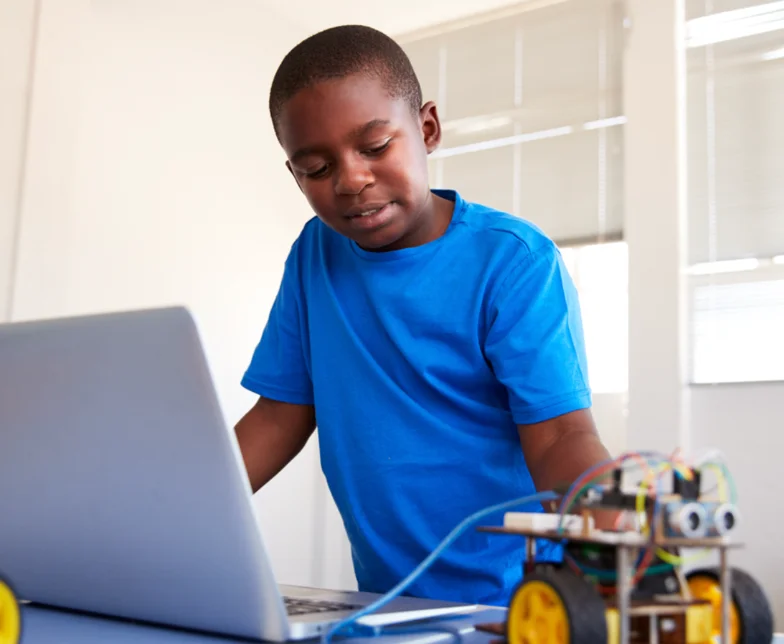
In a group of 10, children work through practical activities with an instructor who can explain the next step and answer questions.
Two live classes each week give children regular time to ask questions, practise, and work on their coding.
Children spend time making and testing projects. They can see what their code does and adjust it as they go.
An error is part of learning. Instructors help children work through a problem and understand how to fix it.
STUDENT PROJECTS
Explore games and stories from our student project collection. Open a project on Scratch to see how it works.
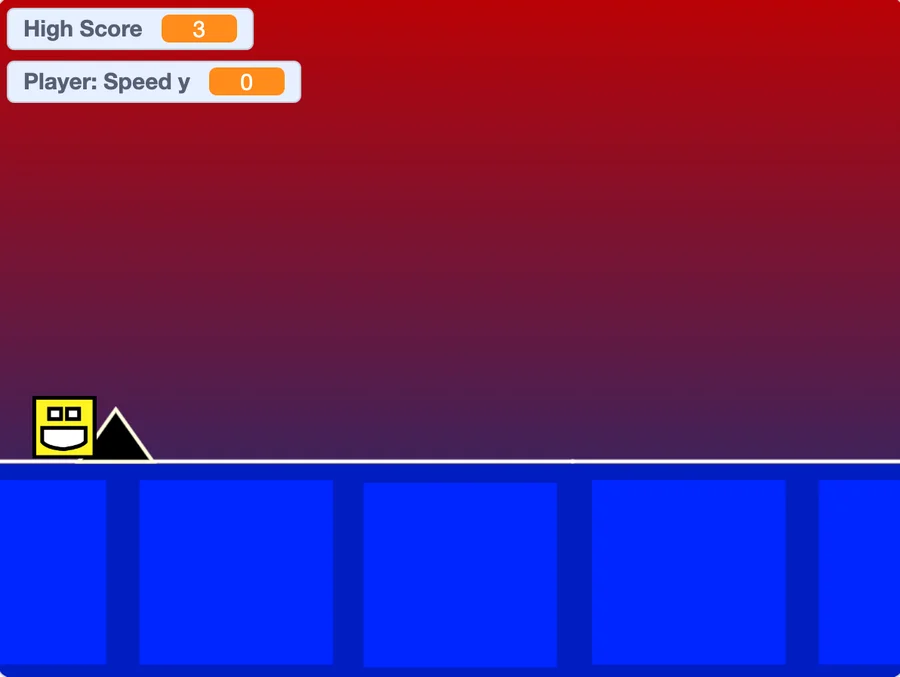 Explore on Scratch
Use the spacebar to jump over obstacles in this fast-moving Scratch game.
Explore the idea: Watch how a key press changes the character’s movement. How would you change the obstacle challenge?

 Explore on Scratch
Control a character and dodge incoming balls in this Scratch game.
Explore the idea: Notice the relationship between player movement and incoming obstacles. What makes a round harder?
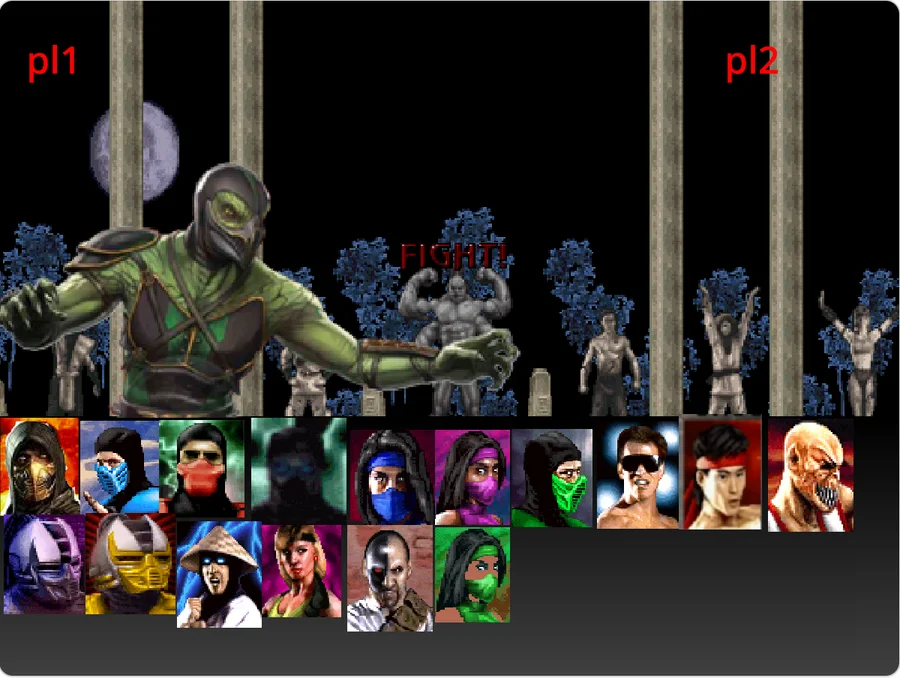
A Scratch fighting game with selectable characters and keyboard controls.
Project screenshot · Live version currently unavailable
Explore the idea: Look for character choices and keyboard actions. What instruction connects a key to a movement?

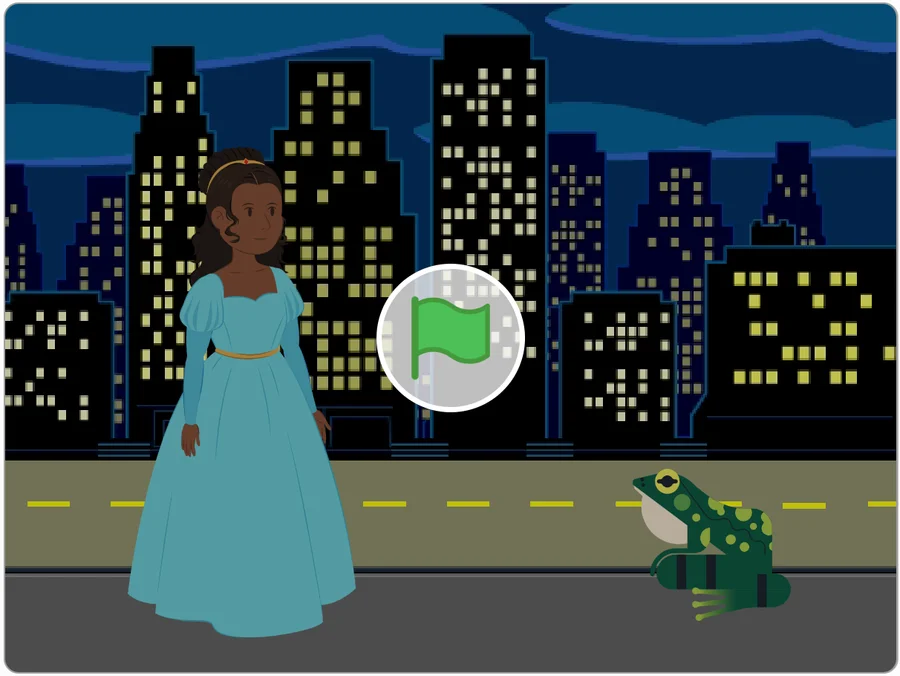 Explore on Scratch
An animated Scratch story featuring a conversation between a princess and a frog.
Explore the idea: Follow the order of the dialogue. How does the sequence help the story make sense?
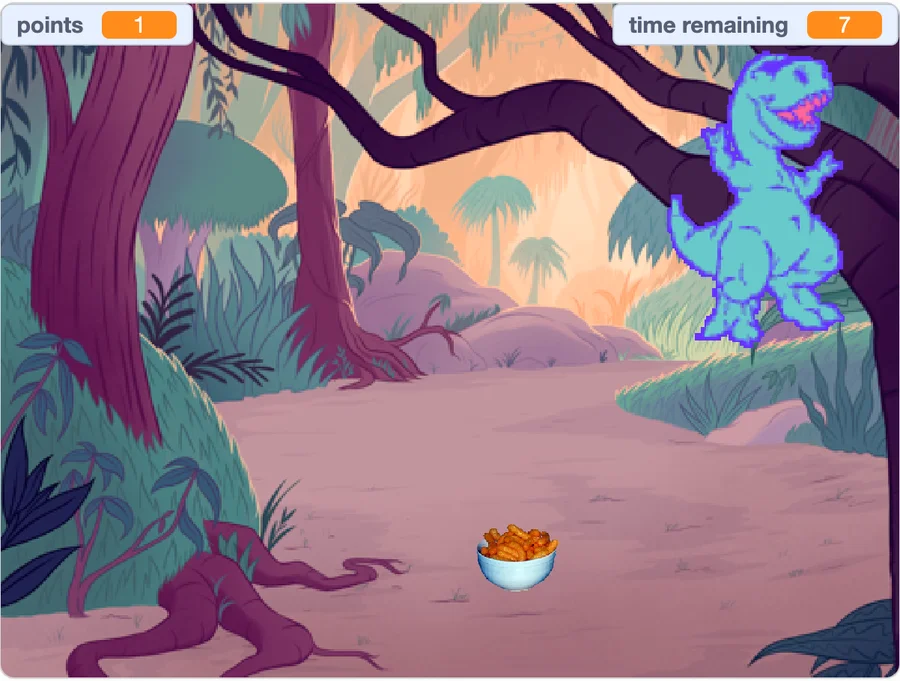 Explore on Scratch
Move a dinosaur around the screen with the arrow keys and collect treats.
Explore the idea: Try the arrow keys and watch the character respond. What would you add for the dinosaur to collect?

A first project starts with a small idea and a willingness to try.
A HUMAN BEHIND EVERY LESSON
Our coding instructors bring their time, knowledge, and encouragement to every child’s learning journey.
Our advisors
Our approach puts children at the centre of learning by doing.
Meet an instructor in a trial Here to help
FROM ONE PARENT TO ANOTHER
Our community rating
My son, Kimario (11), can be a bit shy, so I was hesitant about online classes. But the small class sizes and interactive format have been amazing for him. He took the "Introduction to Coding" course and surprised me with how quickly he grasped the concepts. The coding instructor is great at encouraging participation and celebrating each student's accomplishments. My son is now more confident!
We signed our twins, Adom and Nkunim, up for the Introduction to Coding class, and they haven't stopped talking about it since! The class combines coding with logic puzzles, which is perfect for their curious minds. The best part? They're learning valuable problem-solving skills while having a blast. We highly recommend Super IO for any parent looking to get their kids excited about coding!
My daughter, Aika, is already pretty tech-savvy. The Intro to coding class was a good starting point for her, but she flew through the material. We might explore some of their more specialized courses next time. Overall, a good introduction to coding.
The live coding classes have been a game-changer for our children. They've always been intrigued by technology, but these classes have taken their interest to the next level. The instructors are patient and engaging, making learning to code fun and interactive. Plus, the small class sizes ensure personalized attention. Highly recommend!
I signed up my son for Super IO Kids' coding classes, and i've been impressed with the quality of instruction. The curriculum is well-structured, starting with the basics and gradually advancing to more complex concepts. While there have been challenges getting used to the online setup, the support team is quick to help get us ready for the classes all the time. Overall, it's been a positive experience for our budding programmer
HOW TO GET STARTED

Share their grade, interests, and coding experience in our short trial request form.
Our team will get in touch to find a suitable session and help you get ready.
Meet an instructor, explore coding together, and discuss the next step for your child.
Our online coding classes are for children aged 6–12. No previous coding experience is needed to request a trial. Tell us what your child has tried so we can discuss a suitable starting point.
There are 2 live online classes each week. Each session lasts 60 minutes, with 10 learners per group. Our team will discuss available class times with you.
US$20 per month covers the online coding classes: two one-hour, instructor-led sessions each week with practical coding activities. Start with a free trial to see how the classes work.
A laptop or desktop computer and an internet connection. Our team will share the online joining instructions and explain any software needed before the session. Let us know if you need help checking your setup.
Our team will contact you using the details you provide to arrange a suitable session and explain how to join. Submitting the form requests a trial; it does not reserve a specific time slot.
TRY A LIVE CODING CLASS
Tell us about your child and request a free trial. Our team will contact you to arrange a suitable session and explain how to join.
FOR PARENTS AND GUARDIANS
Complete the form to request a session. We’ll contact you to confirm a time.
Your details are collected through Tally so Super IO Kids can respond to your enquiry. For questions about your information, contact our team.