
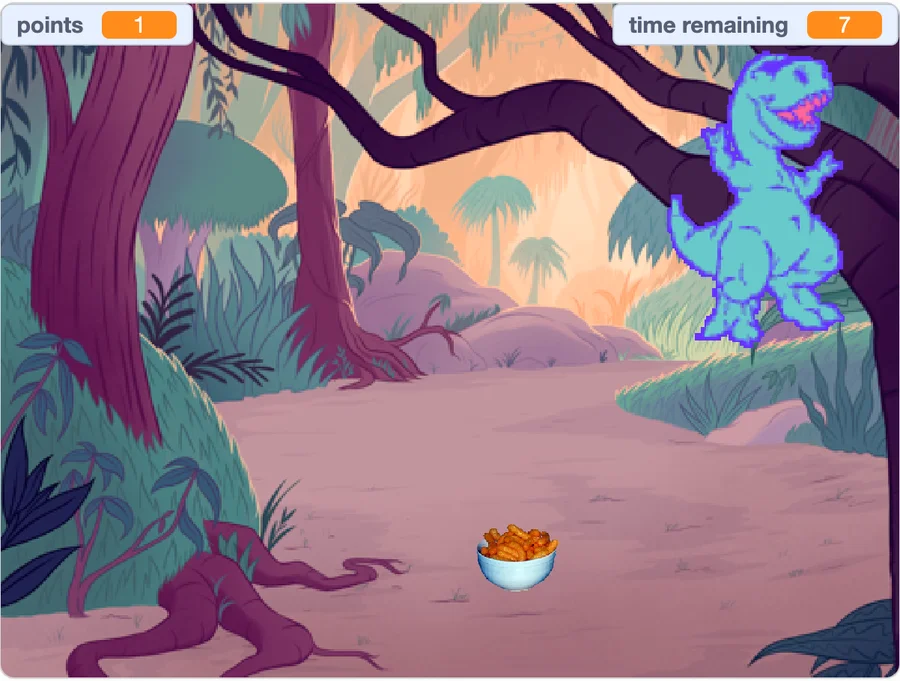
 Dinosaur Dash
Student project by Sean Manu
01Give clear instructions
Sequences · Events · Direction
Put instructions in order. Make a character respond to an action, such as a click or a key press.
ONLINE CODING · AGES 6–12
Make games. Tell stories. Turn an idea into something your child can play, change, and proudly share.
US$20 per month · Ages 6–12
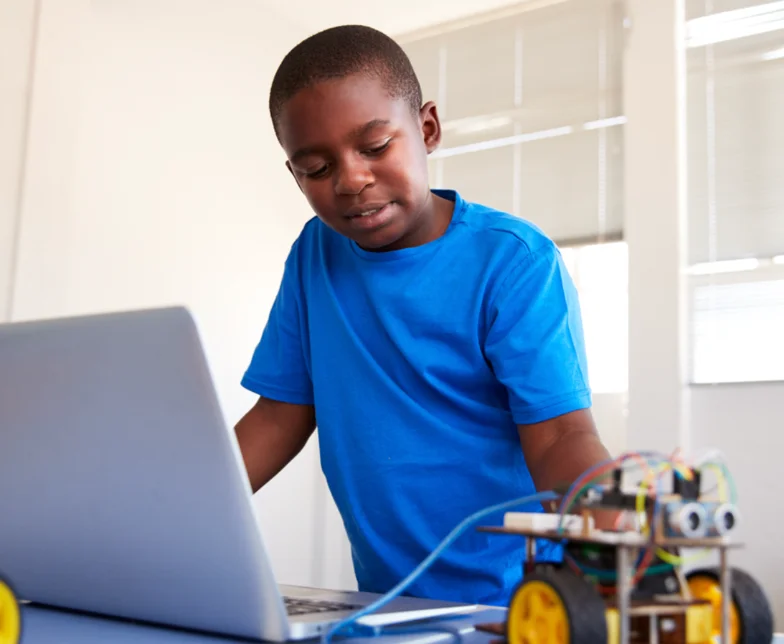
SMALL STEPS. SOMETHING TO SHOW.
A starting point for their experience. A project to bring it to life. Explore the skills through examples from our student collection.
Dinosaur Dash Student project by Sean Manu
01Sequences · Events · Direction
Put instructions in order. Make a character respond to an action, such as a click or a key press.
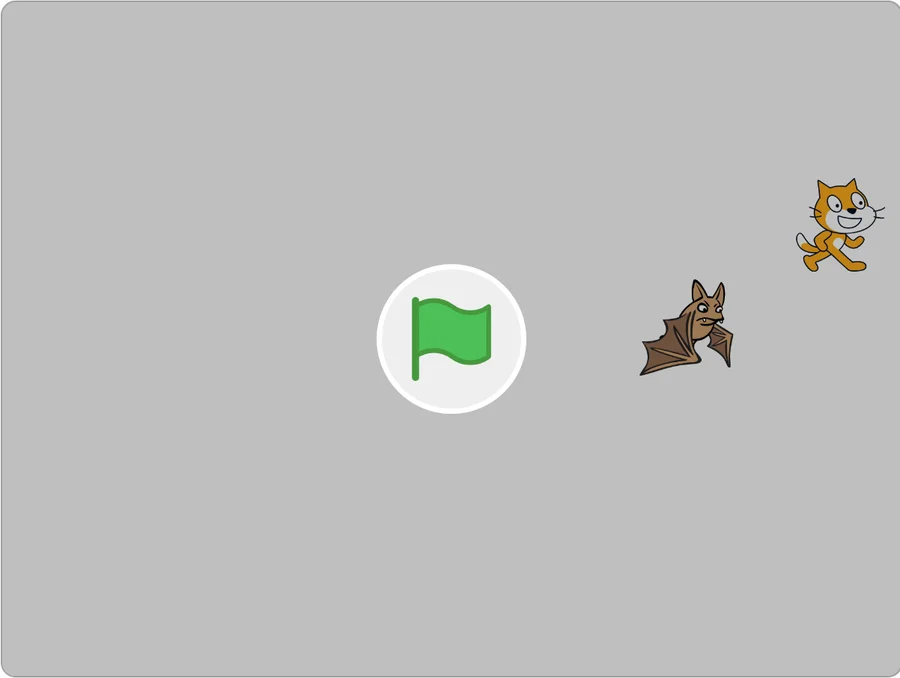 Dodge Ball
Student project by Austin Courage
02Repetition · Conditions · Interaction
Create a challenge with repeating actions and simple rules. Decide what happens when the player makes a choice.
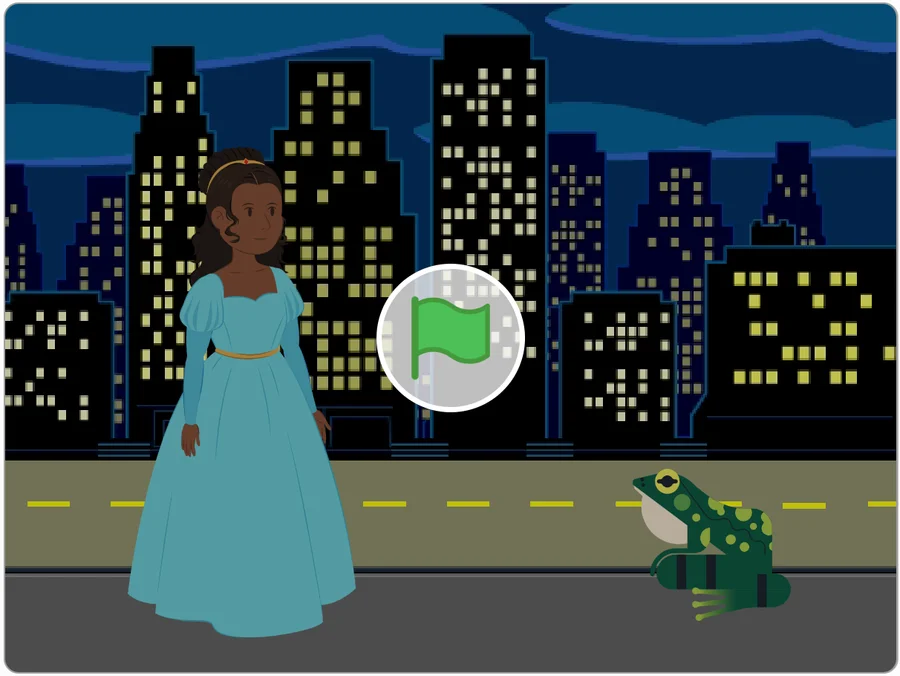 Princess and the Frog
Student project by Aika Liu Hui
03Debugging · Reasoning · Creativity
Test a project, work through a mistake, and explain your choices. Add an idea of your own.
INSIDE A PRACTICAL CLASS
An instructor to guide them. Space to try, ask questions, and make something their own.
Start with a question or a challenge. Talk through what you want the code to do.
An instructor explains the idea and helps children put it into practice.
Run the code. Notice what happens, ask questions, and work through mistakes.
Talk about what the project does and think about what could be improved next.
TRY A TINY CODING IDEA
Choose how many tiles the explorer should move, then run your instruction. Change the number and try again.
The explorer starts on the first tile.
An illustrative activity. Your child’s class project will depend on their starting point.
THE NEXT STEP STARTS WITH A CONVERSATION
Live online coding for ages 6–12. 2 one-hour classes each week, 10 learners per group, US$20 per month.
Request a free trialOur team will contact you to arrange a suitable session.